¶ Installation Callback S3 Drive
This guide explains how to use S3 Drive to connect your Storagecenter Bucket as a local drive.
¶ Install Callback S3 Drive
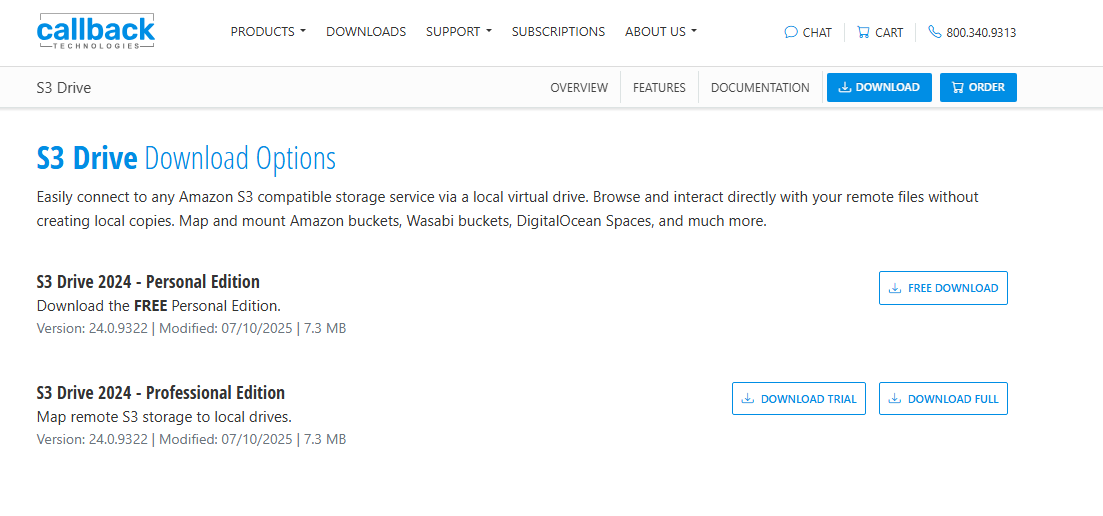
Download S3 Drive: https://www.callback.com/s3drive/download
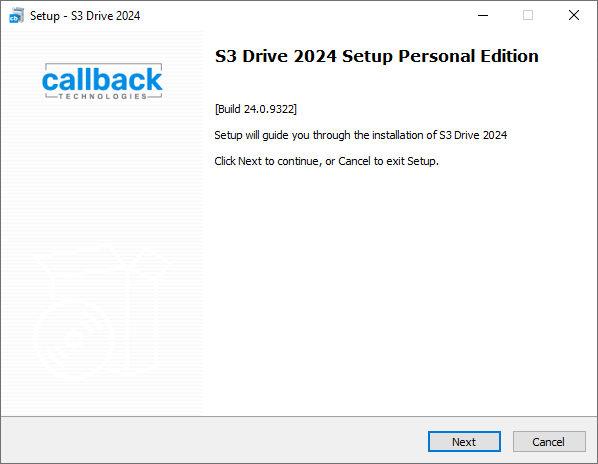
Double-click the installation file and select Next.
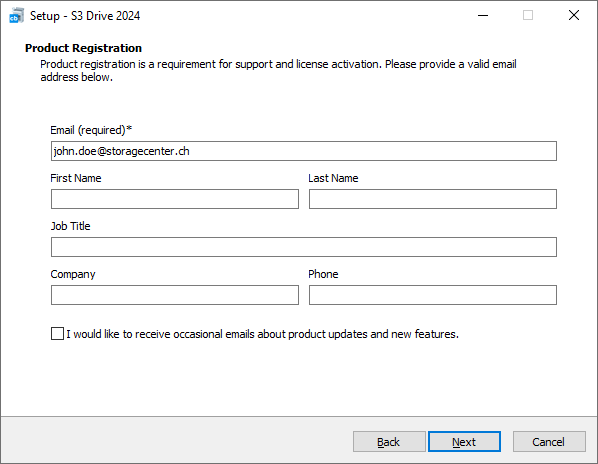
Enter your email address and select Next.
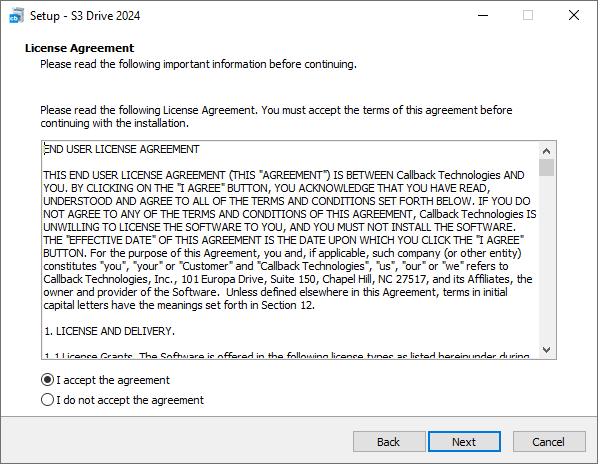
Click "I accept the agreement", then select Next.
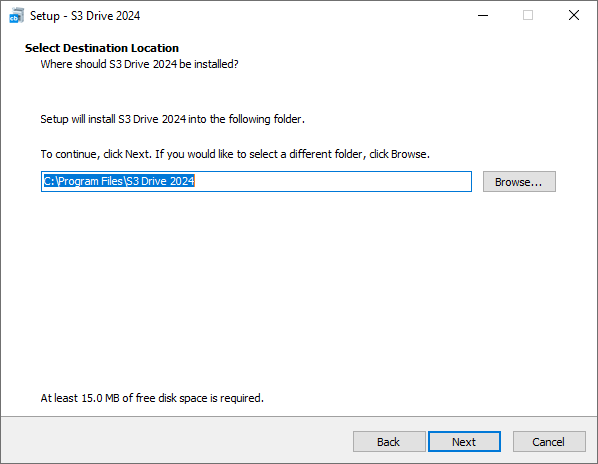
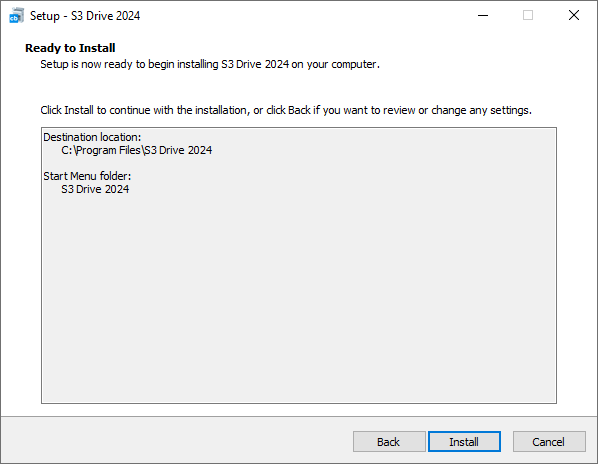
Click Next, then Install.
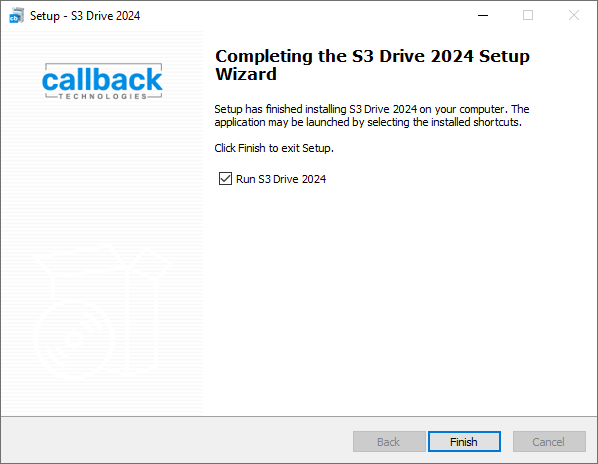
Click Finish. The application will then launch.
¶ Configure Callback S3 Drive
Click the following link to download the Storagecenter configuration file:
s3-drive-storagecenter.ini
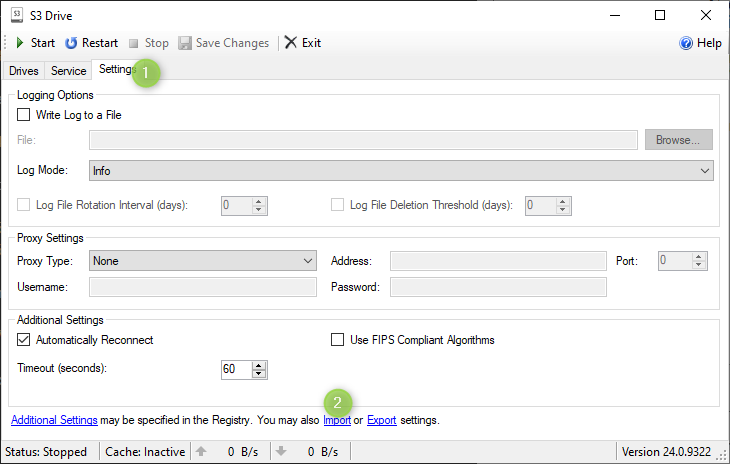
Open the Settings tab, click Import, and select the s3-drive-storagecenter.ini file you downloaded in the previous step.
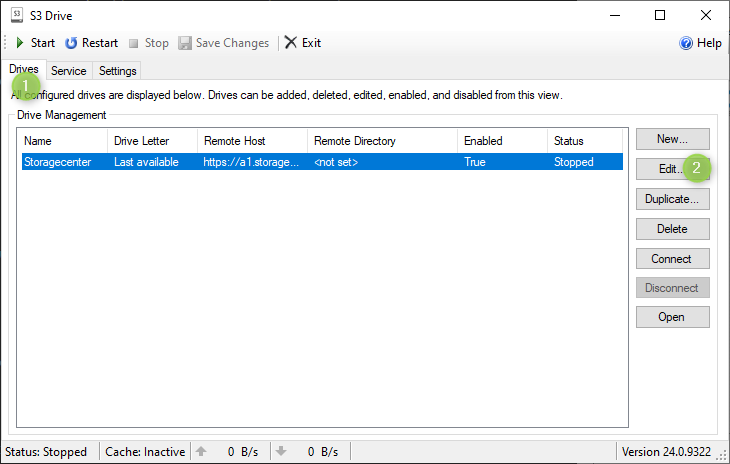
Now open the Drives tab and click Edit.
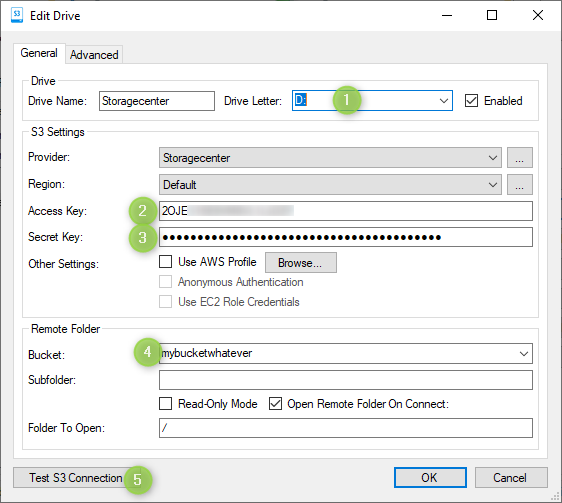
- Select a drive letter
- Enter the AccessKey and 3. the SecretKey. You can find the AccessKey and SecretKey in our customer portal
- Now select one of your buckets
- Click Test S3 Connection, and after a successful test, click OK.
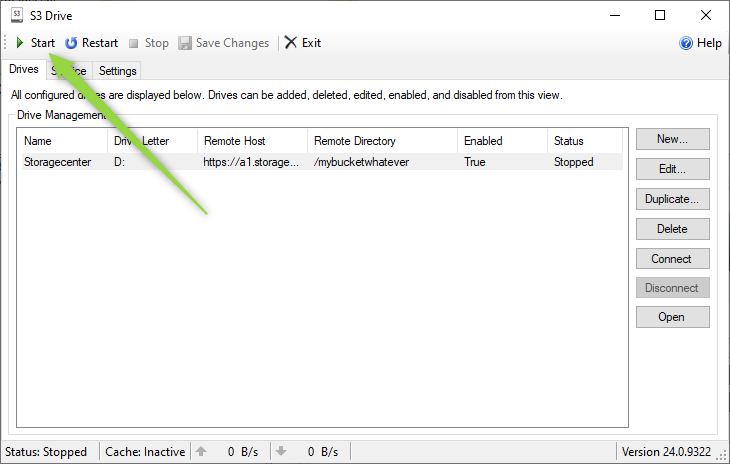
After clicking Start, your bucket will be available as a drive path.